
Robohub.org
7 reasons why robotics companies should be using simulators
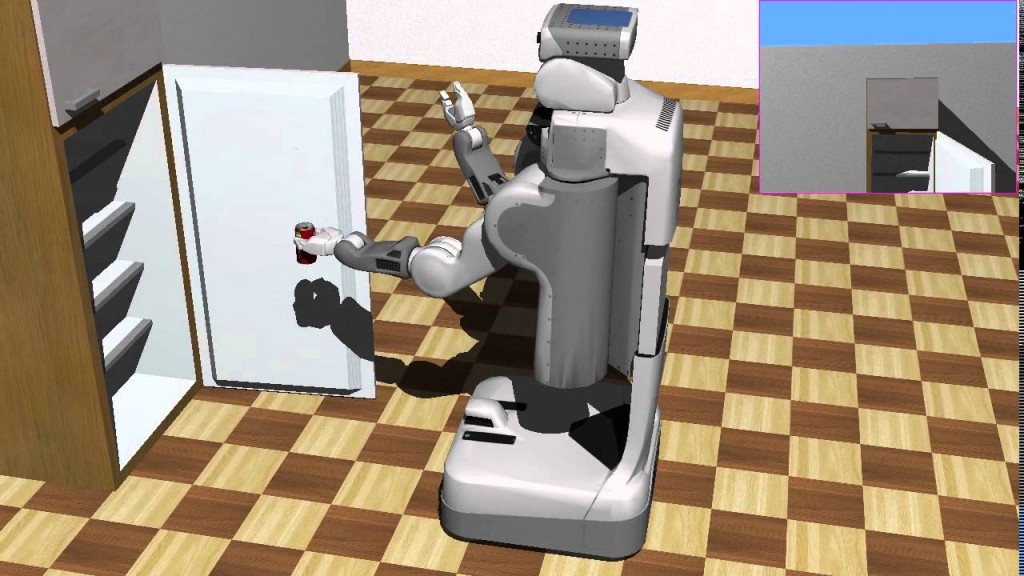
During my long experience at Pal Robotics developing humanoid robots, I learned just how much a good simulator can help speed up the development and maintenance processes of robot building. To my surprise, however, I recently discovered that lots of robotics companies don’t use a simulator for this purpose. In this post I’ll share with you the key reasons why you should be using a simulator for your robot development.
1. Test ideas prior to building
Simulations are the best place to start when developing a new robot. By using a simulator to develop your robot, you can quickly identify whether your idea is feasible, with little expense. You can also easily test and discover which are the physical constraints that your robot must face in order to accomplish its goal.
Simulators allow you to easily and quickly test of many different ideas for the same robotic problem, and then decide which one to build based on actual data.
2. Parallelise development
Once your robot has been defined and tested in the simulator, you can start its physical construction. The good thing with simulators is that they allow you to keep doing tests even if your robot is not built yet.
In other words, while your mechanical or electrical departments are building the actual robot, your software department can start developing software and testing it on the simulated robot. Current simulators are closer to reality, so you can develop your software for the simulated robot, make sure it works there, and then transfer the software to the real robot once it has been constructed. Chances are that your software will work with the real robot with only minor mods.
You do not have to wait for your robot to be built before developing its software.
3. Test in different environments
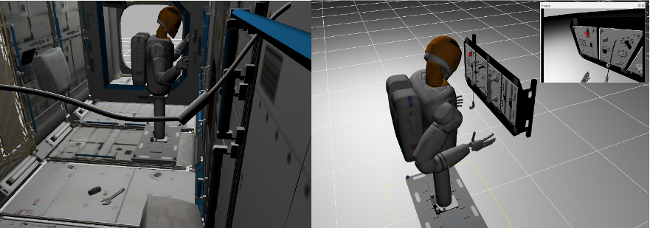
Your robot software could have many bugs that only appear once you take it outside your lab. By using a simulator, you can test your robot in many different environments.
4. Debug in simulation
Your robot software should be debugged first in the simulator. In fact, you should never allow a software engineer to test software on the real robot if the software does not work on the simulator. It won’t work!
Not only does debugging in the simulator save you a lot of time (since testing and correcting basic errors on the real robot is very time consuming), but it also prevents your untested software from breaking your robot!
5. Develop modifications and improvements
With your simulation in place, you can think about modifications for your robot and test them. What is the next feature that your clients are requesting? You can easily test if whether new features are possible, to what extent, and what it would require you to modify and add. Just use the simulation to see if they are possible or not.
6. Functionality testing suite
Once your robot is built and the software is working properly inside it, you will have to maintain it. Correcting bugs, adding new features, adapting to changes in the frameworks you use … all this requires that you update the software that is already running on your robot.
Chances are that some of these changes will crash some of the functionality that already works in the robot. To prevent minimize the damage, you must create a suite of functionality tests.
Functionality tests are tests that execute on a simulation of your robot and check whether the robot is still able to function in the simulation as expected. You can perform these tests at night. The suite must download the latests code from your repository, compile it, and execute it on the simulated robot.
For each functionality, the robot must be placed on a specific situation in the simulation that allows you to test that functionality. A reward function must check whether the robot was able to accomplish the functionality or not. In the case that it cannot, the suit should send an email to the person in charge of that functionality, in order to make that person aware of the functionality crash.
7. Make your robot popular
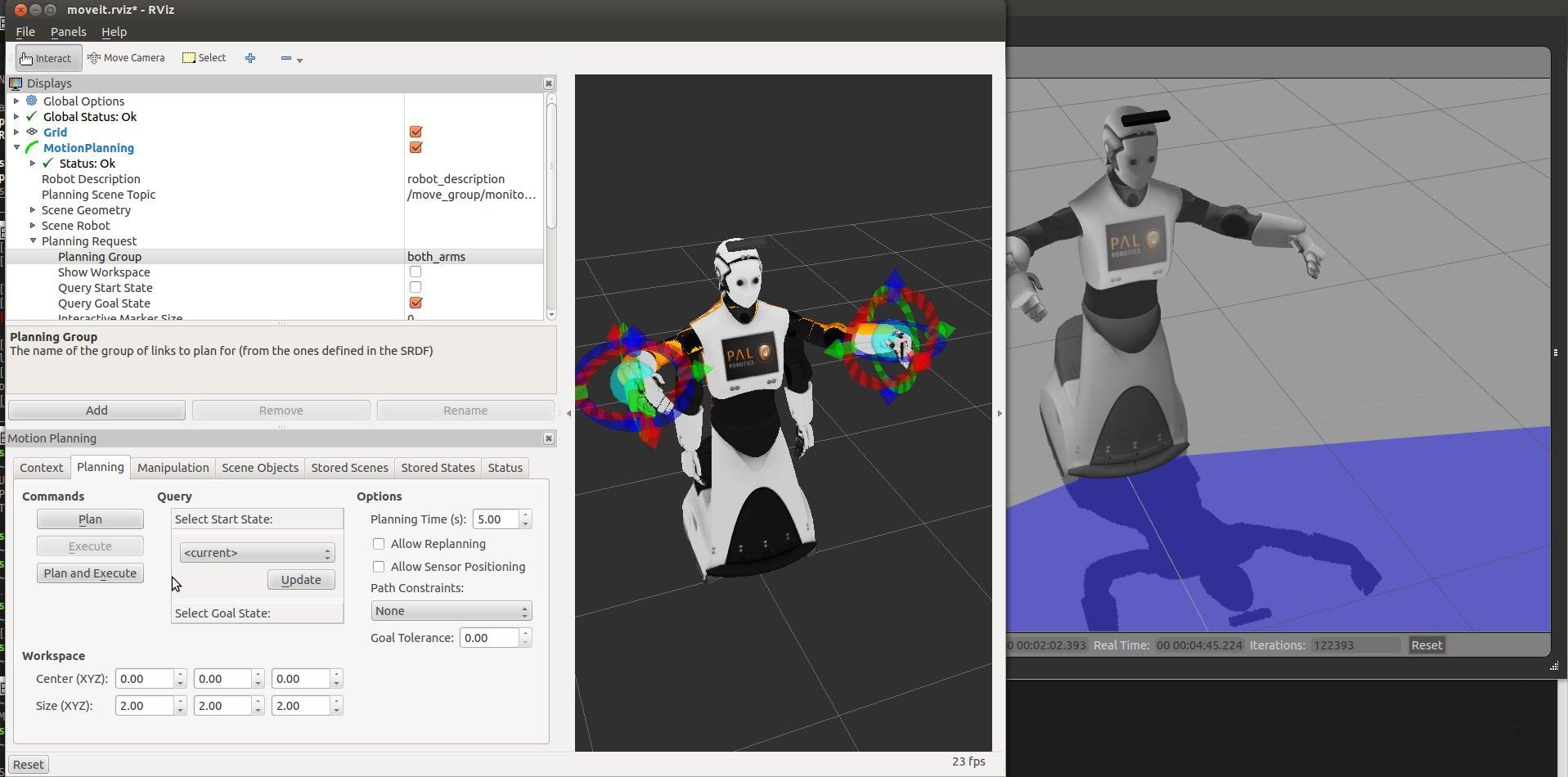
Whether your company targets a mainstream audience, or a specialized one, you will want your robot to be used. By creating and freely providing a simulation of your robot, you are giving your audience a chance to experiment and find uses for your robot without being tied to an expensive purchase. You can also allow to people publish tools and ideas for your robot on the Internet, which further extends your reach.
Conclusion
Simulators are a powerful tool for robotics companies that can speed up the development process and prevent costly errors.
In a nutshell, follow these steps next time you are doing a robot development:
- Do some drawings and design the robot you want to build based on the task you are trying to solve.
- Implement those designs in the simulator and perform some tests.
- Modify the robot based on the simulator results.
- Start building the real robot. At the same time use the simulator to develop its software.
- Test your software on the real robot. If errors are found, use the simulator to correct them and retest. Only use the real robot once errors are corrected.
- If customers require mods or improvements, use the simulator to test whether they are (theoretically) possible.
- Once your robot is built (including software), build a functionality test suite that executes functionality tests over the simulation every night to prevent changes in the software from shutting down the robot’s functions.
- Finally, provide for free a model of your robot (including controllers) and help users to use it!
tags: research, Simulation

AUAI is supported by: